

- First Name
- Bradley
- Joined
- Nov 3, 2023
- Threads
- 19
- Messages
- 141
- Reaction score
- 159
- Location
- Breinigsville, PA
- Vehicle(s)
- Ford Bronco
- Your Bronco Model
- Badlands
- Thread starter
- #1
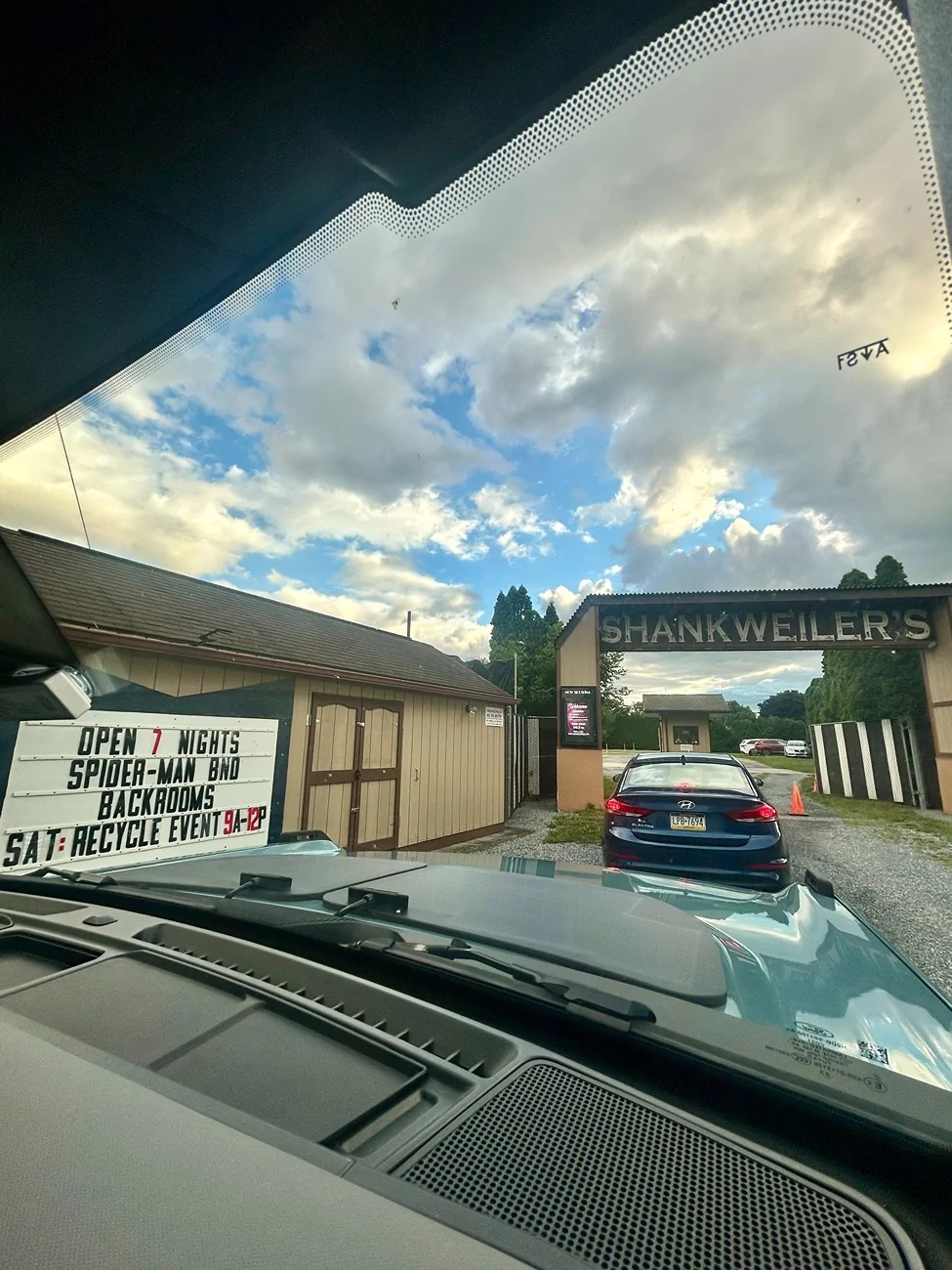
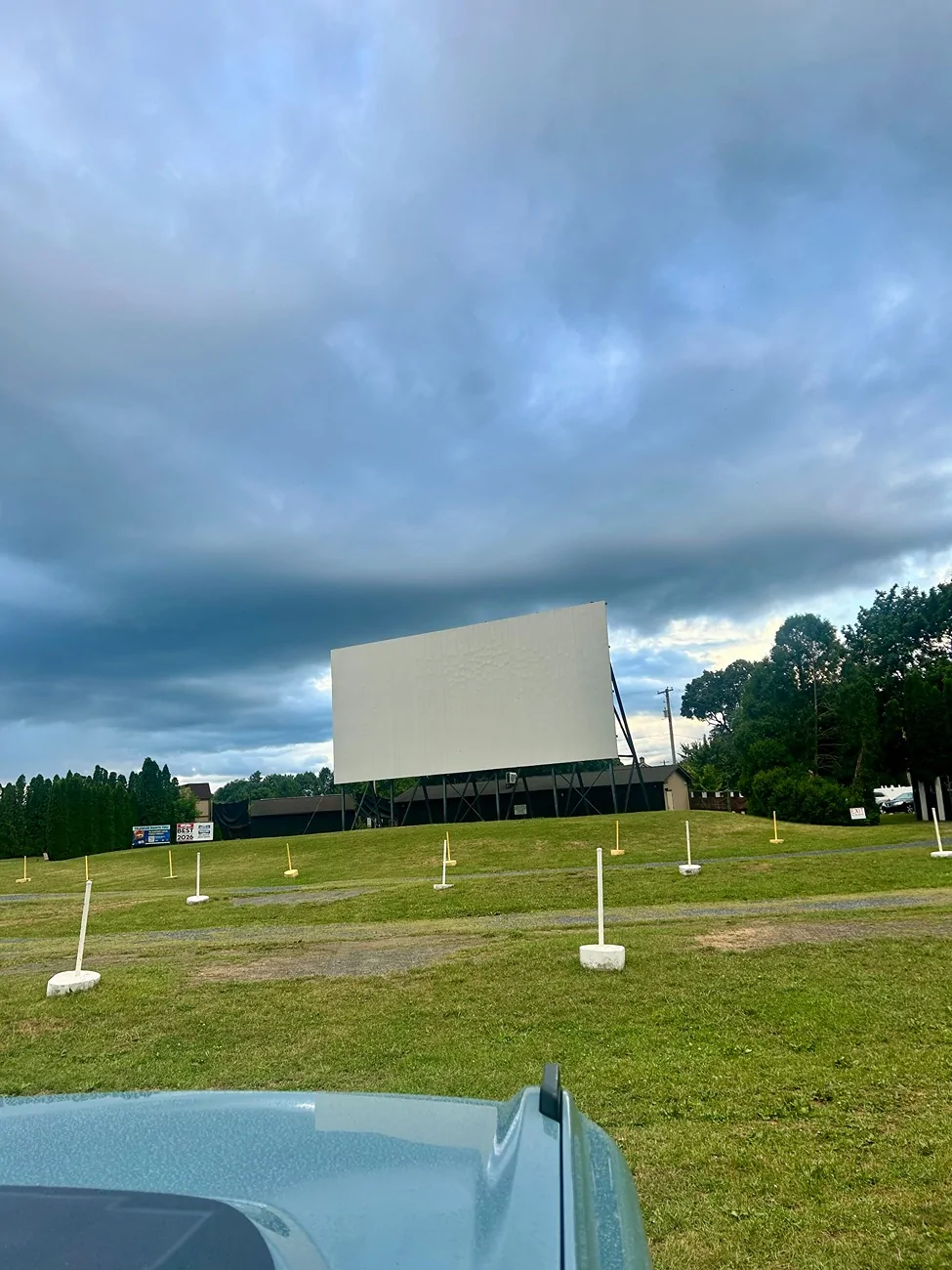
Took the Bronco to a drive-in last night and we had some problems...
I put it in Accessory Mode (press the start button without your foot on the brake, so the whole dash and radio are on but the engine isn't running). Partway through the movie the truck shut everything down with a "system off to save battery" message on the screen. So I cycled the ignition to get the radio back, and the auto headlights came blasting on and lit up the entire lot. It kept doing this the whole night. You best believe my afternoon today is forscan to turn off auto headlights etc.
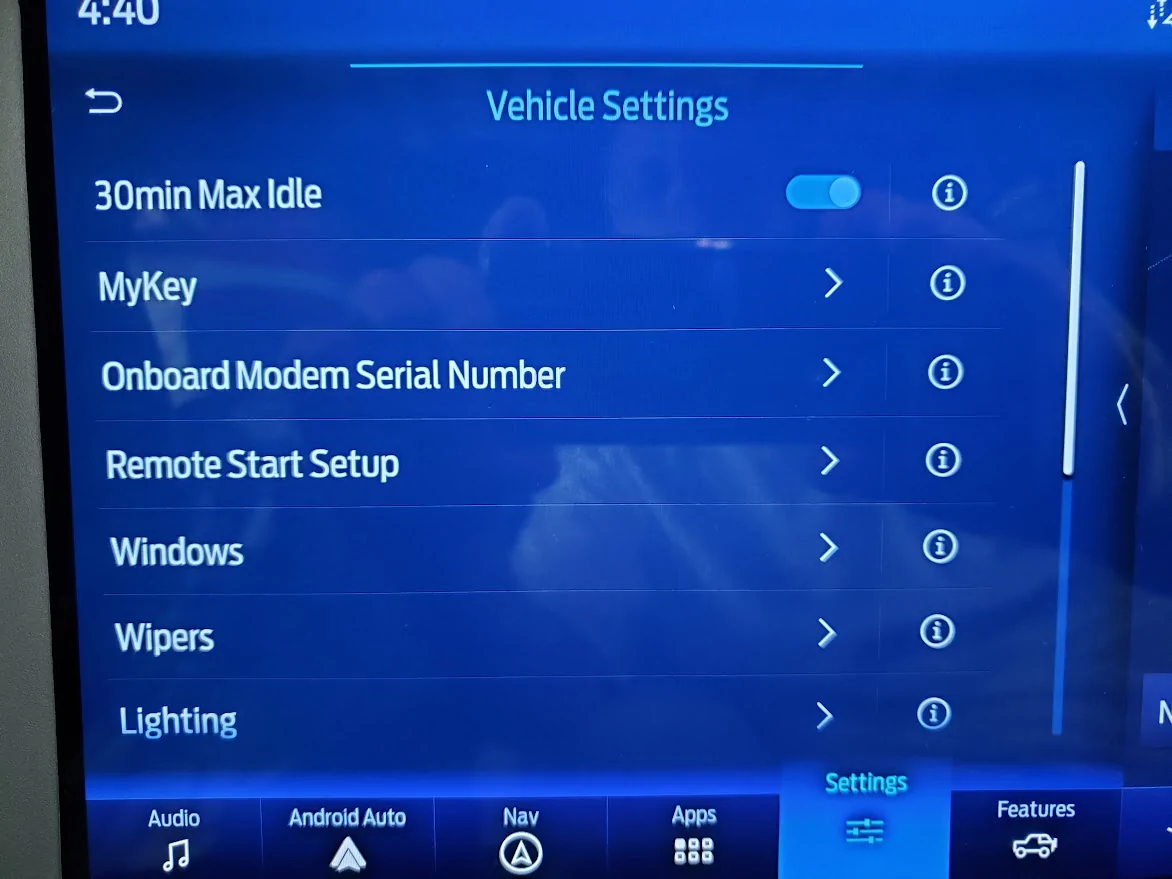
But I'd rather fix the actual problem, which is the shutdown itself. Before anyone points me at it: I already know about the Power Point Timeout setting (BdyCM 726-57-01 on the spreadsheet). From what I understand that only controls how long the 12V outlets and USB ports stay hot AFTER you turn the truck off, so charging keeps working while you grab groceries or whatever. That's not my issue.
My issue is the truck kicking itself out of Accessory Mode entirely while I'm sitting in it.
Does anyone know where THAT timeout lives? Is there a BdyCM setting for it, or is it buried in the battery management system where forscan can't touch it? Searched the spreadsheet and this forum and came up empty.
If the answer is "you can't," what are you guys doing at drive-ins? I saw the extended play mod for the APIM (7D0-01-01, supposedly lets the radio play up to 60 min after shutoff if you press the volume knob) but haven't tried it and don't know if it's confirmed on our trucks.
Oh and for anyone wondering, it was a double feature of the new Spiderman and an encore of The Backrooms. One of them was a cinematic masterpiece and one of them was slop. I'll let you all duke it out over which is which...

I put it in Accessory Mode (press the start button without your foot on the brake, so the whole dash and radio are on but the engine isn't running). Partway through the movie the truck shut everything down with a "system off to save battery" message on the screen. So I cycled the ignition to get the radio back, and the auto headlights came blasting on and lit up the entire lot. It kept doing this the whole night. You best believe my afternoon today is forscan to turn off auto headlights etc.
But I'd rather fix the actual problem, which is the shutdown itself. Before anyone points me at it: I already know about the Power Point Timeout setting (BdyCM 726-57-01 on the spreadsheet). From what I understand that only controls how long the 12V outlets and USB ports stay hot AFTER you turn the truck off, so charging keeps working while you grab groceries or whatever. That's not my issue.
My issue is the truck kicking itself out of Accessory Mode entirely while I'm sitting in it.
Does anyone know where THAT timeout lives? Is there a BdyCM setting for it, or is it buried in the battery management system where forscan can't touch it? Searched the spreadsheet and this forum and came up empty.
If the answer is "you can't," what are you guys doing at drive-ins? I saw the extended play mod for the APIM (7D0-01-01, supposedly lets the radio play up to 60 min after shutoff if you press the volume knob) but haven't tried it and don't know if it's confirmed on our trucks.
Oh and for anyone wondering, it was a double feature of the new Spiderman and an encore of The Backrooms. One of them was a cinematic masterpiece and one of them was slop. I'll let you all duke it out over which is which...

Sponsored