
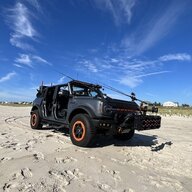

- First Name
- Nick
- Joined
- Jun 27, 2023
- Threads
- 4
- Messages
- 31
- Reaction score
- 36
- Location
- Carle Place, NY
- Vehicle(s)
- 2022 Ford Bronco
- Your Bronco Model
- Badlands
- Thread starter
- #1
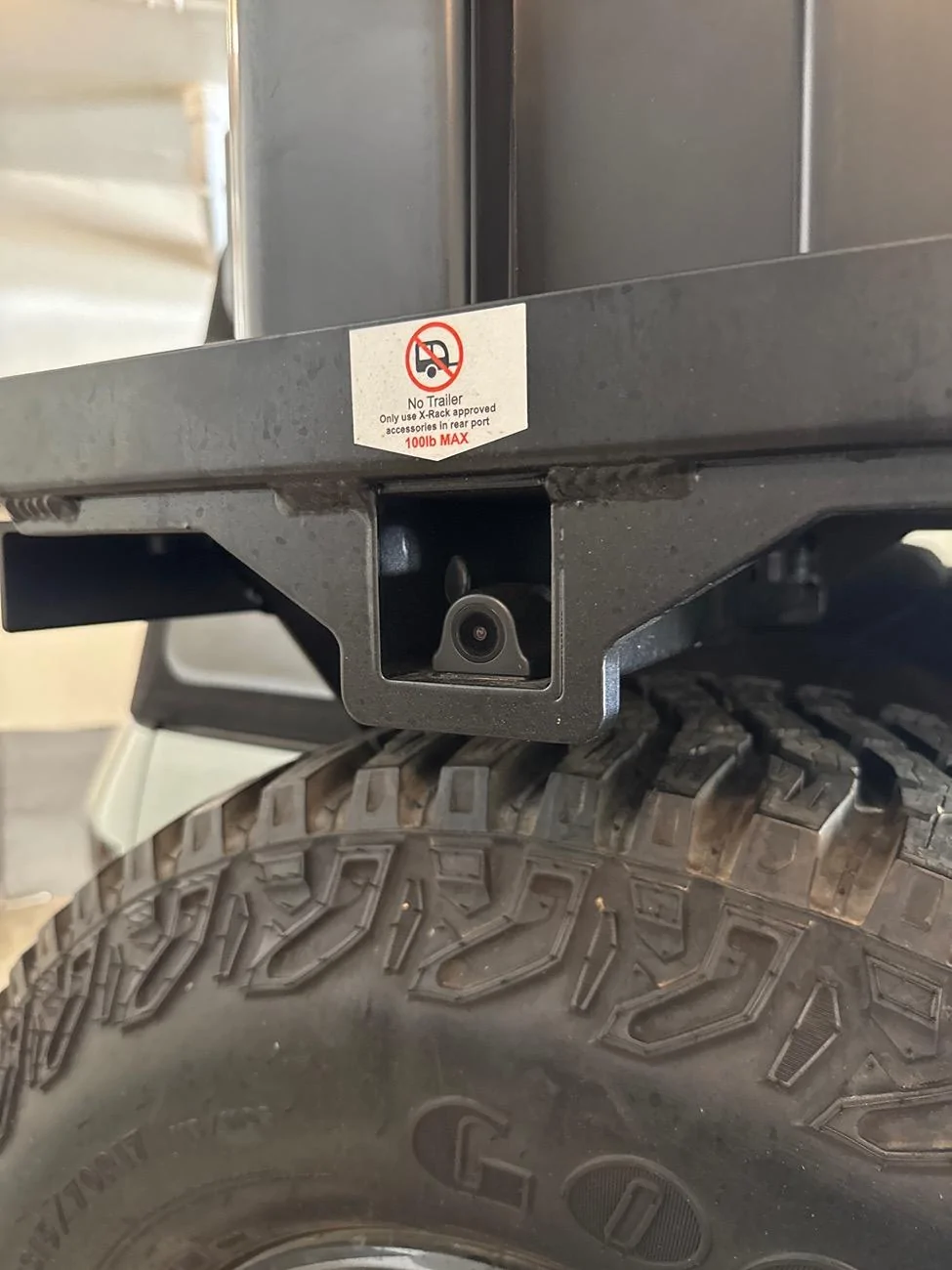
I recently tested out the Wolfbox rearview mirror camera with front and rear cameras (Model G850). What sold me was the waterproof rear camera that I could mount on my cargo rack when it is installed. My stock rear camera is often blocked when carrying some of my cargo racks. It is also great for when driving with the soft top all the way down and it blocks your view.
The quality seems really good for a low priced camera (under $150).
The install was very easy as it comes with a USB C power cord. For my initial tests I simply attached the rear view camera to my existing rear view mirror, and plugged the camera into the USB port by my windshield. I ran the rear camera cord simply across the seats and out the back window to see how I would like it. Of course with this power set up it only ran when the car was on, but it was enough for a test. The front and rear view show a partial view of the camera in the mirror, you can select to slide the view up or down to suit your needs. It also has a double view of front and rear. sometimes this is helpful on dark roads as I feel the camera can see further ahead than your view. It does record the full view of each camera.
I drove a few days with this temporary set up and decided it will work so ordered a longer rear camera cord (since it will be going on my cargo rack) and the mirror mount kit to replace my stock mirror (the dash cam works as a regular mirror when not on, just a little darker than the stock mirror) I also ordered a OBD2 port dash cam power adapter with a battery saver feature to power the camera for 24 hr recording. It seems my rear camera works with most of the newer models of the Wolfbox's line, so I can upgrade the mirror camera without any new wiring runs.
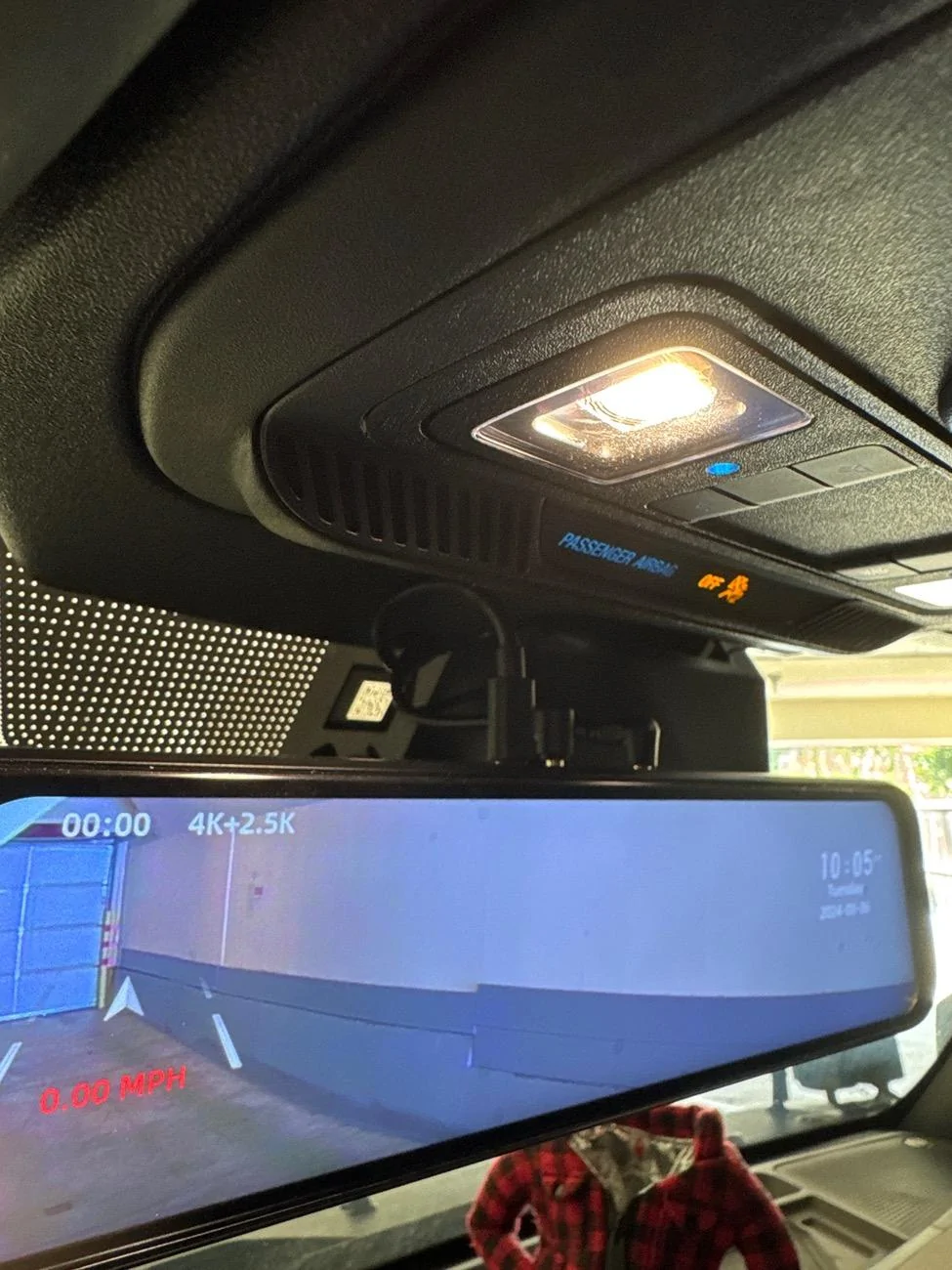
I ran the power cable above the windshield and down to the OBD2 port on the driver side, popping only one panel off. (They do make a hard wire kit which I may add at a later time, but so far there is no need for it.) Then ran the longer rear cable along the passenger side under the door sills, through the back seat and eventually married it up with the cables that go to the tailgate by the hinge. Then I ran the cable through the existing tailgate cable grommet to my over spare carrier. Before buttoning up the cables I spliced a longer wire to the reverse light wire that comes with the camera wire harness and ran it back to the tail light and tied it in to the reverse light circuit. (I YouTube'd taillight reverse light wire to find color). This feature is important because when you put it in reverse it automatically turns on the rear view but gives you the full view with parking lines, otherwise you will need to tap the mirror and slide the view down to see the lower part of the camera view to see the ground and vehicle behind you. There is also a GPS sensor that you run along the windshield and I placed in the corner piler on passenger side.
There is a multi pin camera connection that is easily removed, so if I remove my over the spare carrier, I can just coil my wire to the my spare tire carrier and put the camera in the glove box. I keep it on most of the year so I may not remove it until winter.
The installation took less than an hour to do.
Pros:
Easy to install
Very affordable
Easy to navigate menu
easily available accessories
stock looking install with mirror bracket.
Cons:
Would like a wider rear view
No interior camera option
No option for additional camera (for my front mount racks) I may add a front camera and just switch the plugs when I need to see in the front of my rack.
Provided SD Card is too small, not all cards work, tested a few. Only get 8 hours of recordings in high resolution mode.
Can't figure out how to save a clip from being over written and erased. The lock icon does not seem to do anything for the clip.
Consider the wifi version to pull videos easier from the camera
Items used:
Woflbox G850 main unit with rear camera:
https://www.amazon.com/gp/product/B0B1LLMCS9/ref=ppx_yo_dt_b_search_asin_title?ie=UTF8&psc=1
Extension rear camera cable:
https://www.amazon.com/gp/product/B0814ZHHST/ref=ppx_yo_dt_b_search_asin_title?ie=UTF8&psc=1
OBD2 power kit:
https://a.co/d/bUvBekv
Optional OBD2 Splitter:
If you are using your OBD2 port for another accessory or insurance device:
https://www.amazon.com/gp/product/B0711LGRGQ/ref=ppx_yo_dt_b_search_asin_title?ie=UTF8&psc=1
Optional hard wire kit:
https://www.amazon.com/gp/product/B0CQM8WZND/ref=ppx_yo_dt_b_search_asin_title?ie=UTF8&psc=1
Wire cover:
https://a.co/d/hDbAmCW
Cargo Racks:
https://www.xrack.us/bronco-2021/
Better view with cargo rack:

Blocked View with top down:

Rear Camera mount:

Wiring to tailgate:

Back up view with reverse light connection:

Driving back up view:
Front Driving view:
Rear Driving view: (haven't figured out why it records upside down yet)
Need additional front camera for my front rack. I may install a second mirror and mount lower by the console below the screen.
The quality seems really good for a low priced camera (under $150).
The install was very easy as it comes with a USB C power cord. For my initial tests I simply attached the rear view camera to my existing rear view mirror, and plugged the camera into the USB port by my windshield. I ran the rear camera cord simply across the seats and out the back window to see how I would like it. Of course with this power set up it only ran when the car was on, but it was enough for a test. The front and rear view show a partial view of the camera in the mirror, you can select to slide the view up or down to suit your needs. It also has a double view of front and rear. sometimes this is helpful on dark roads as I feel the camera can see further ahead than your view. It does record the full view of each camera.
I drove a few days with this temporary set up and decided it will work so ordered a longer rear camera cord (since it will be going on my cargo rack) and the mirror mount kit to replace my stock mirror (the dash cam works as a regular mirror when not on, just a little darker than the stock mirror) I also ordered a OBD2 port dash cam power adapter with a battery saver feature to power the camera for 24 hr recording. It seems my rear camera works with most of the newer models of the Wolfbox's line, so I can upgrade the mirror camera without any new wiring runs.
I ran the power cable above the windshield and down to the OBD2 port on the driver side, popping only one panel off. (They do make a hard wire kit which I may add at a later time, but so far there is no need for it.) Then ran the longer rear cable along the passenger side under the door sills, through the back seat and eventually married it up with the cables that go to the tailgate by the hinge. Then I ran the cable through the existing tailgate cable grommet to my over spare carrier. Before buttoning up the cables I spliced a longer wire to the reverse light wire that comes with the camera wire harness and ran it back to the tail light and tied it in to the reverse light circuit. (I YouTube'd taillight reverse light wire to find color). This feature is important because when you put it in reverse it automatically turns on the rear view but gives you the full view with parking lines, otherwise you will need to tap the mirror and slide the view down to see the lower part of the camera view to see the ground and vehicle behind you. There is also a GPS sensor that you run along the windshield and I placed in the corner piler on passenger side.
There is a multi pin camera connection that is easily removed, so if I remove my over the spare carrier, I can just coil my wire to the my spare tire carrier and put the camera in the glove box. I keep it on most of the year so I may not remove it until winter.
The installation took less than an hour to do.
Pros:
Easy to install
Very affordable
Easy to navigate menu
easily available accessories
stock looking install with mirror bracket.
Cons:
Would like a wider rear view
No interior camera option
No option for additional camera (for my front mount racks) I may add a front camera and just switch the plugs when I need to see in the front of my rack.
Provided SD Card is too small, not all cards work, tested a few. Only get 8 hours of recordings in high resolution mode.
Can't figure out how to save a clip from being over written and erased. The lock icon does not seem to do anything for the clip.
Consider the wifi version to pull videos easier from the camera
Items used:
Woflbox G850 main unit with rear camera:
https://www.amazon.com/gp/product/B0B1LLMCS9/ref=ppx_yo_dt_b_search_asin_title?ie=UTF8&psc=1
Extension rear camera cable:
https://www.amazon.com/gp/product/B0814ZHHST/ref=ppx_yo_dt_b_search_asin_title?ie=UTF8&psc=1
OBD2 power kit:
https://a.co/d/bUvBekv
Optional OBD2 Splitter:
If you are using your OBD2 port for another accessory or insurance device:
https://www.amazon.com/gp/product/B0711LGRGQ/ref=ppx_yo_dt_b_search_asin_title?ie=UTF8&psc=1
Optional hard wire kit:
https://www.amazon.com/gp/product/B0CQM8WZND/ref=ppx_yo_dt_b_search_asin_title?ie=UTF8&psc=1
Wire cover:
https://a.co/d/hDbAmCW
Cargo Racks:
https://www.xrack.us/bronco-2021/
Better view with cargo rack:
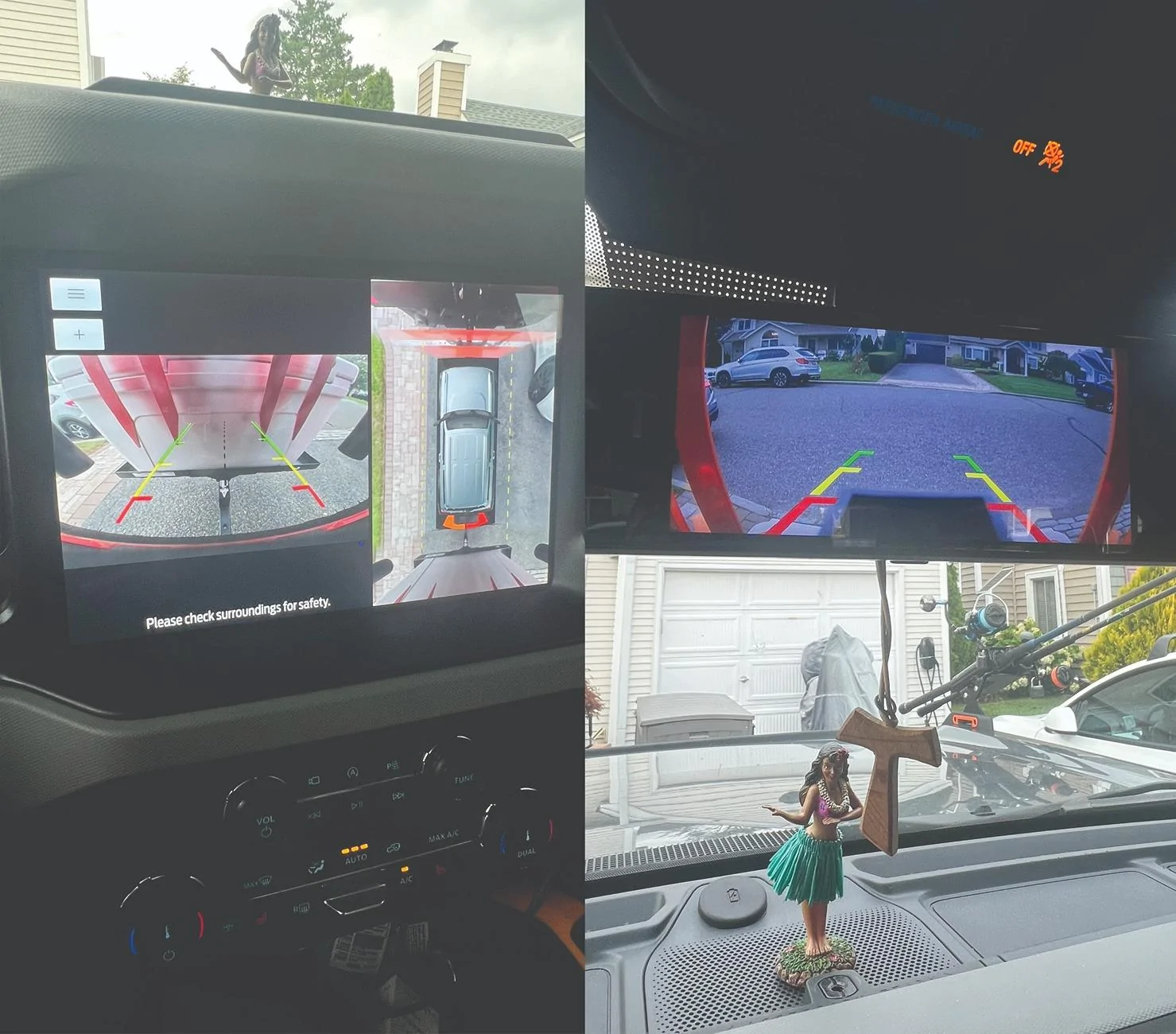
Blocked View with top down:
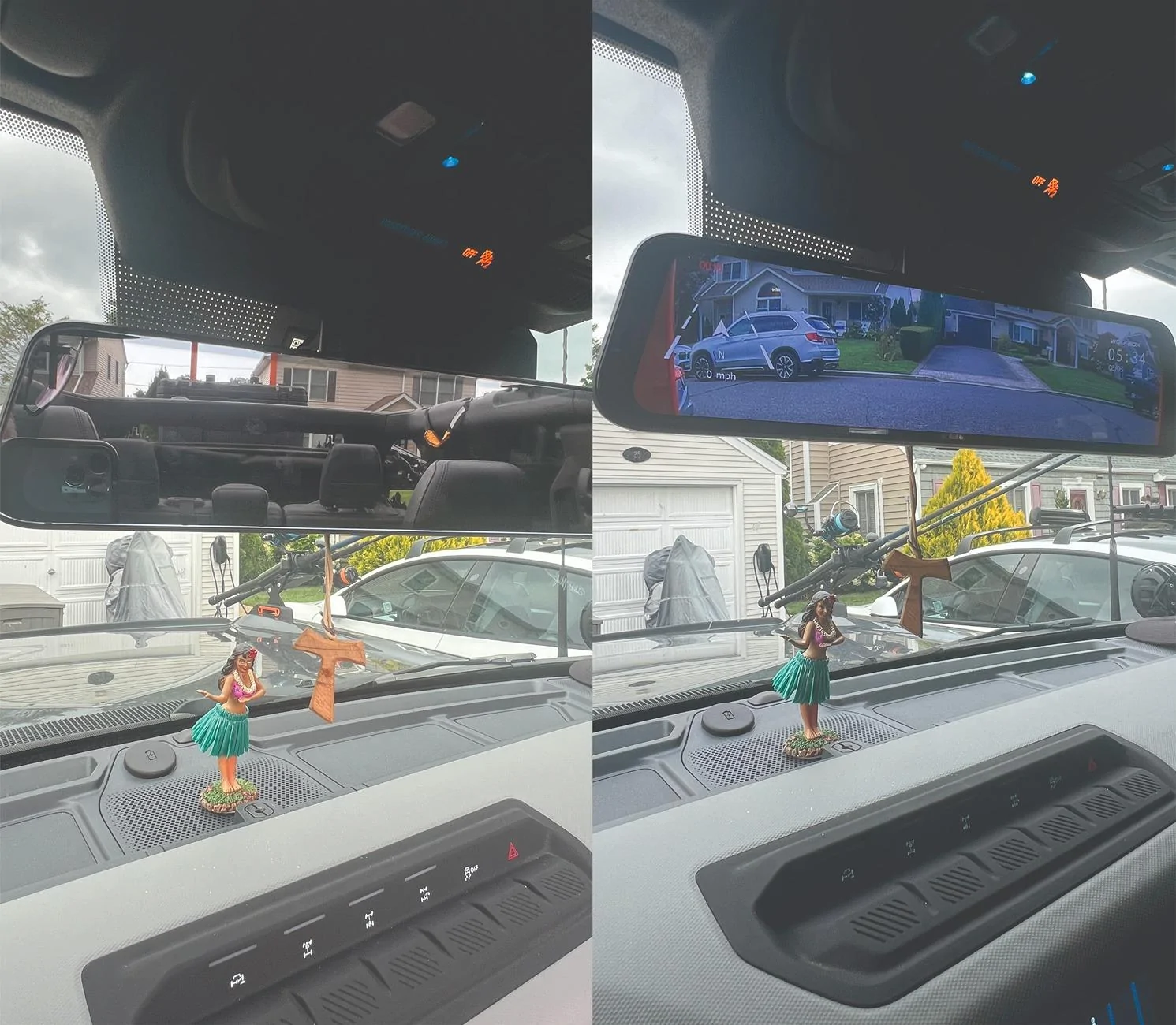
Rear Camera mount:
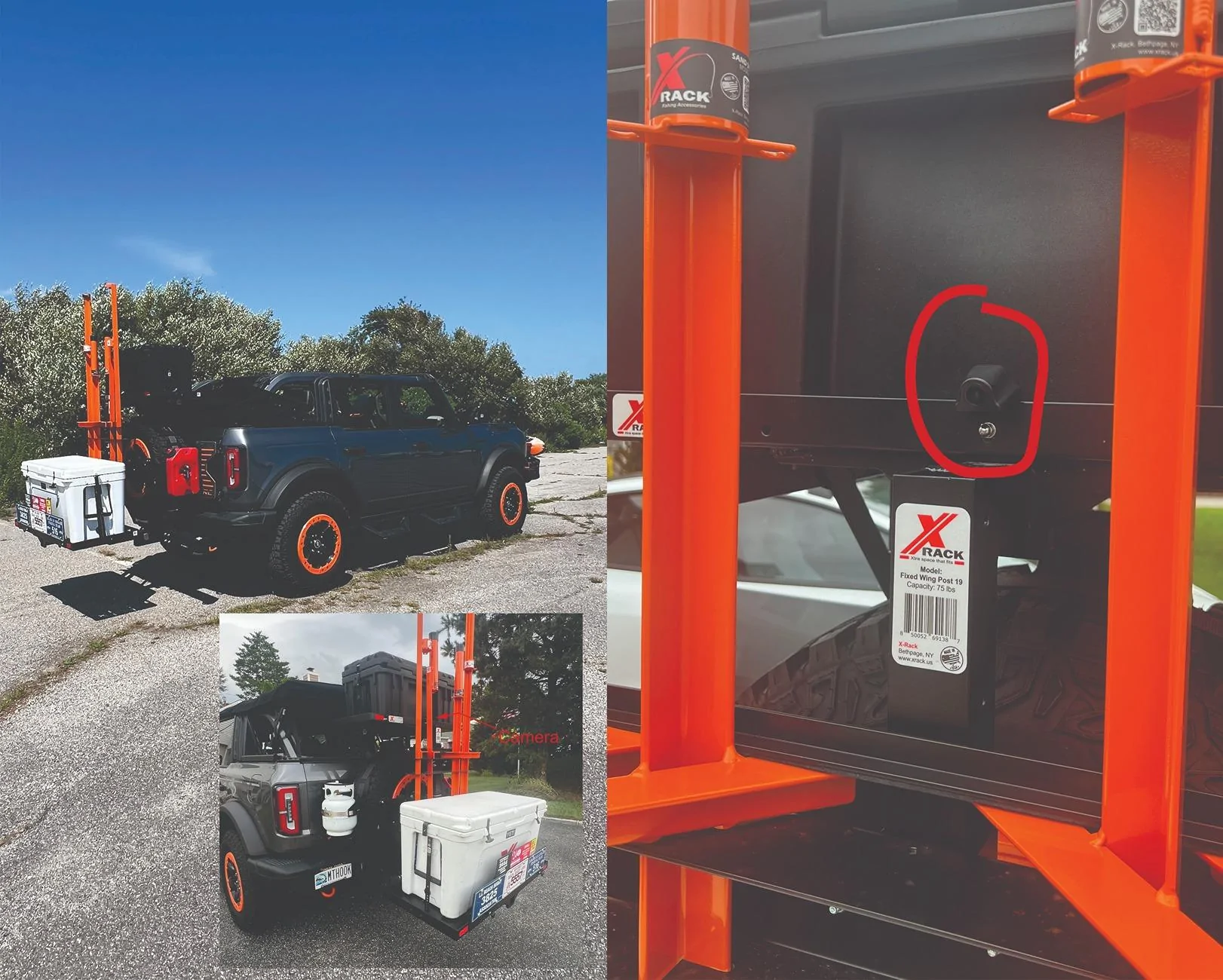
Wiring to tailgate:
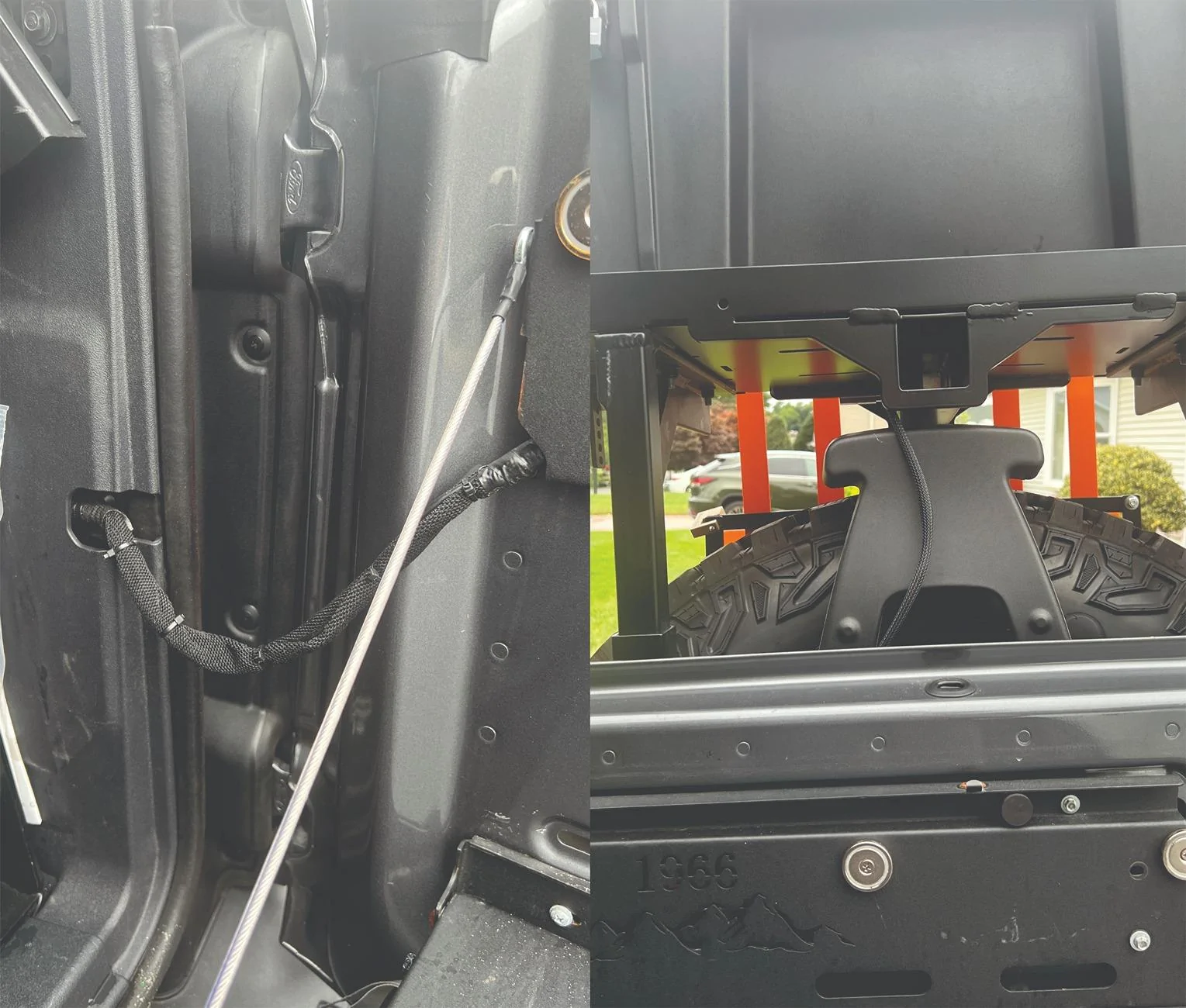
Back up view with reverse light connection:
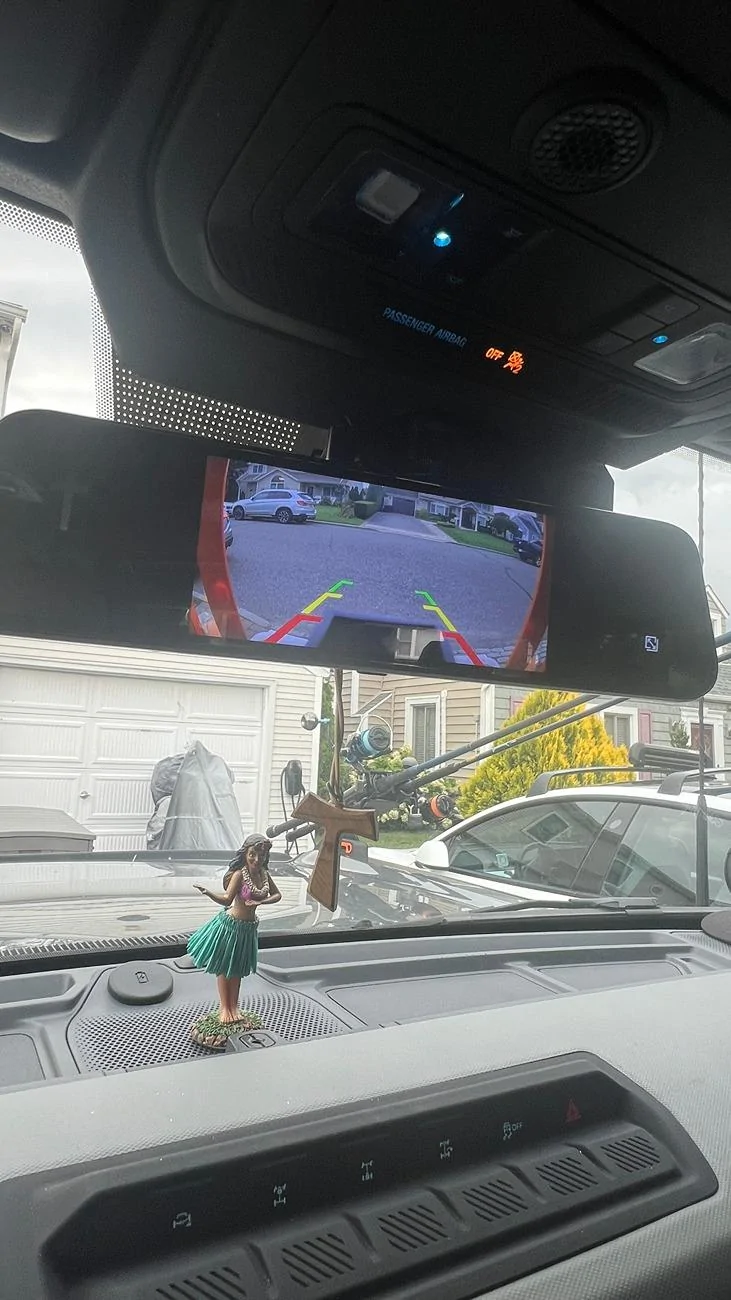
Driving back up view:
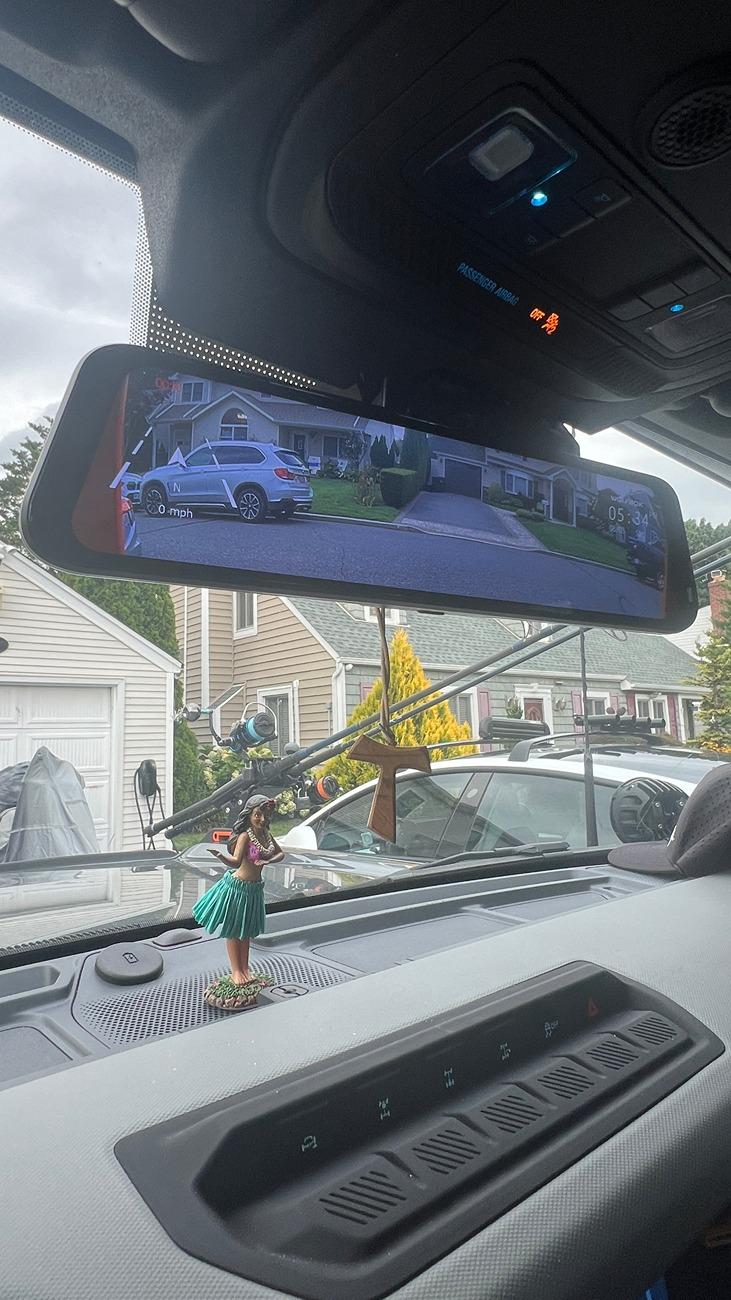
Front Driving view:
Rear Driving view: (haven't figured out why it records upside down yet)
Need additional front camera for my front rack. I may install a second mirror and mount lower by the console below the screen.
Sponsored




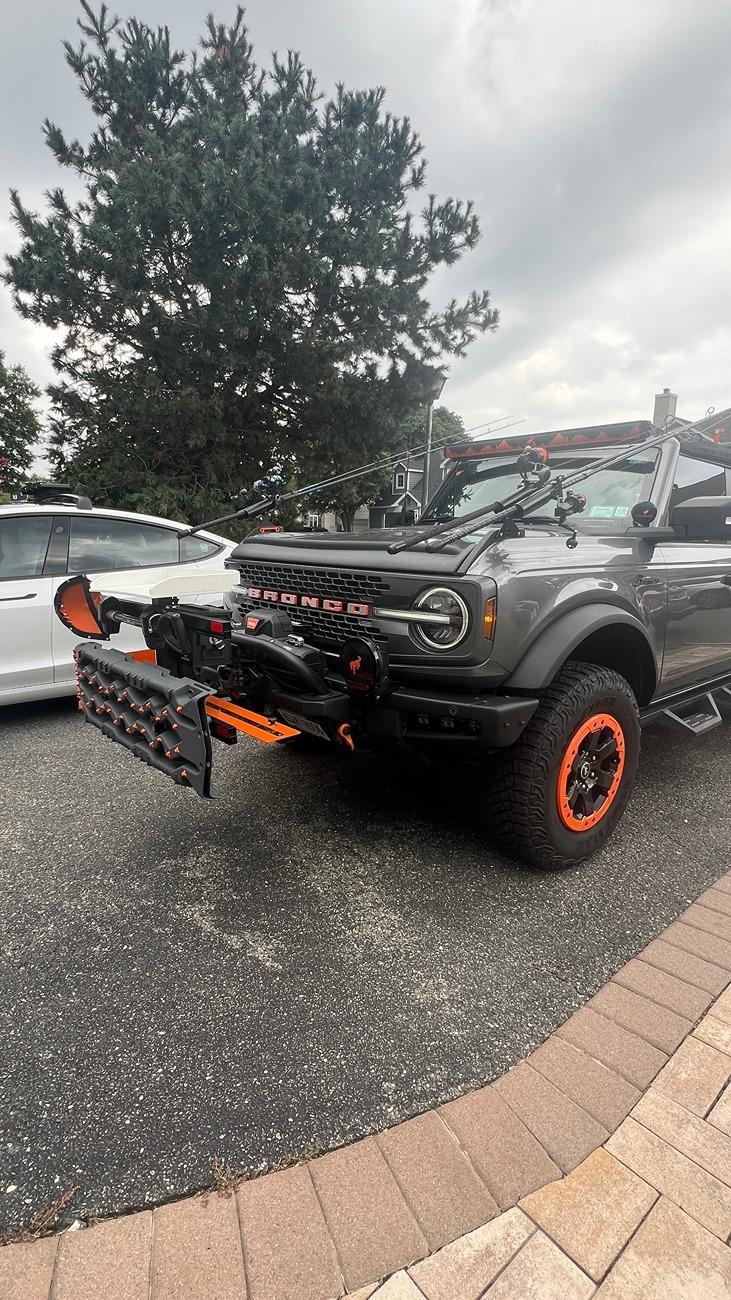
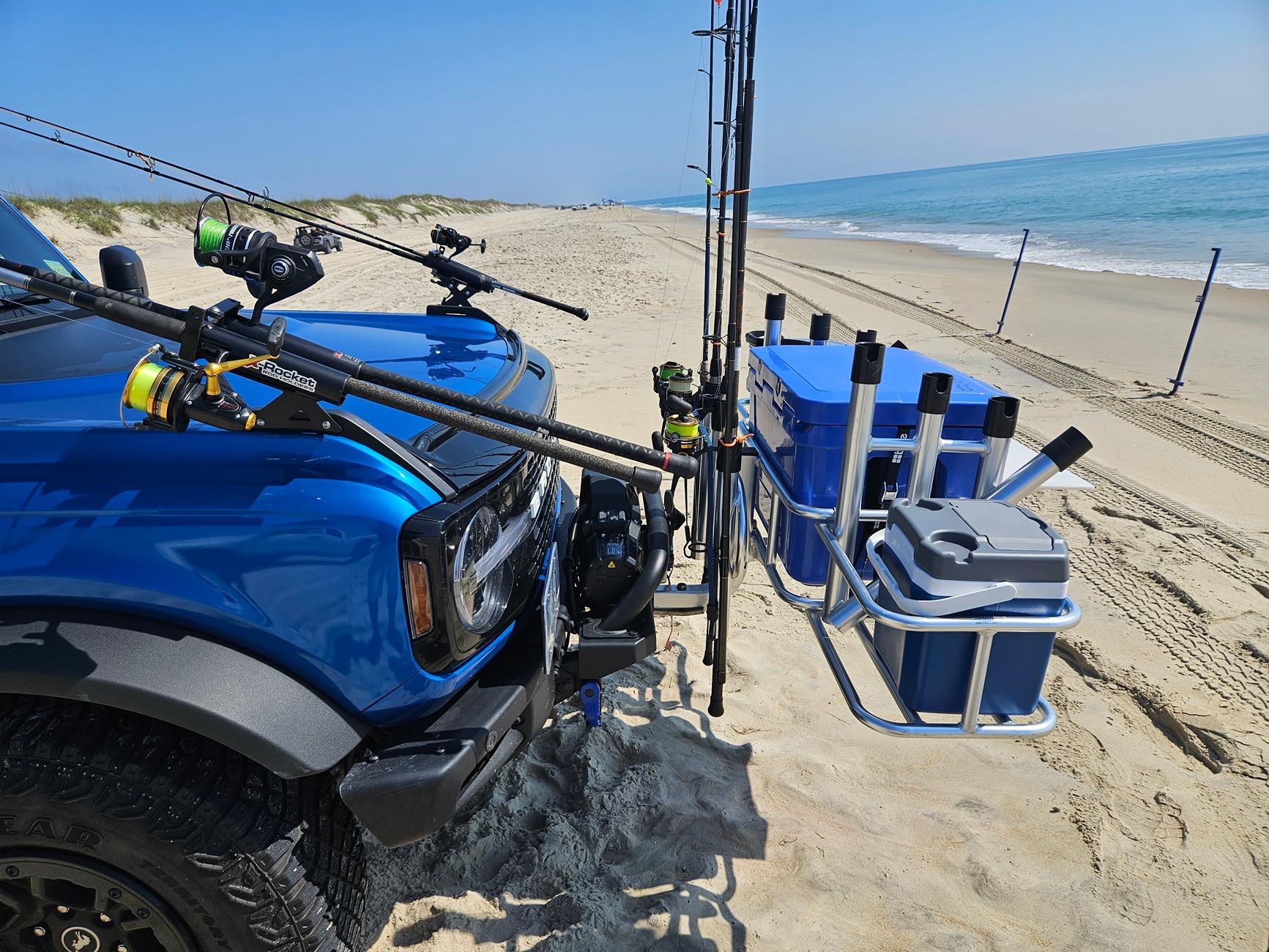
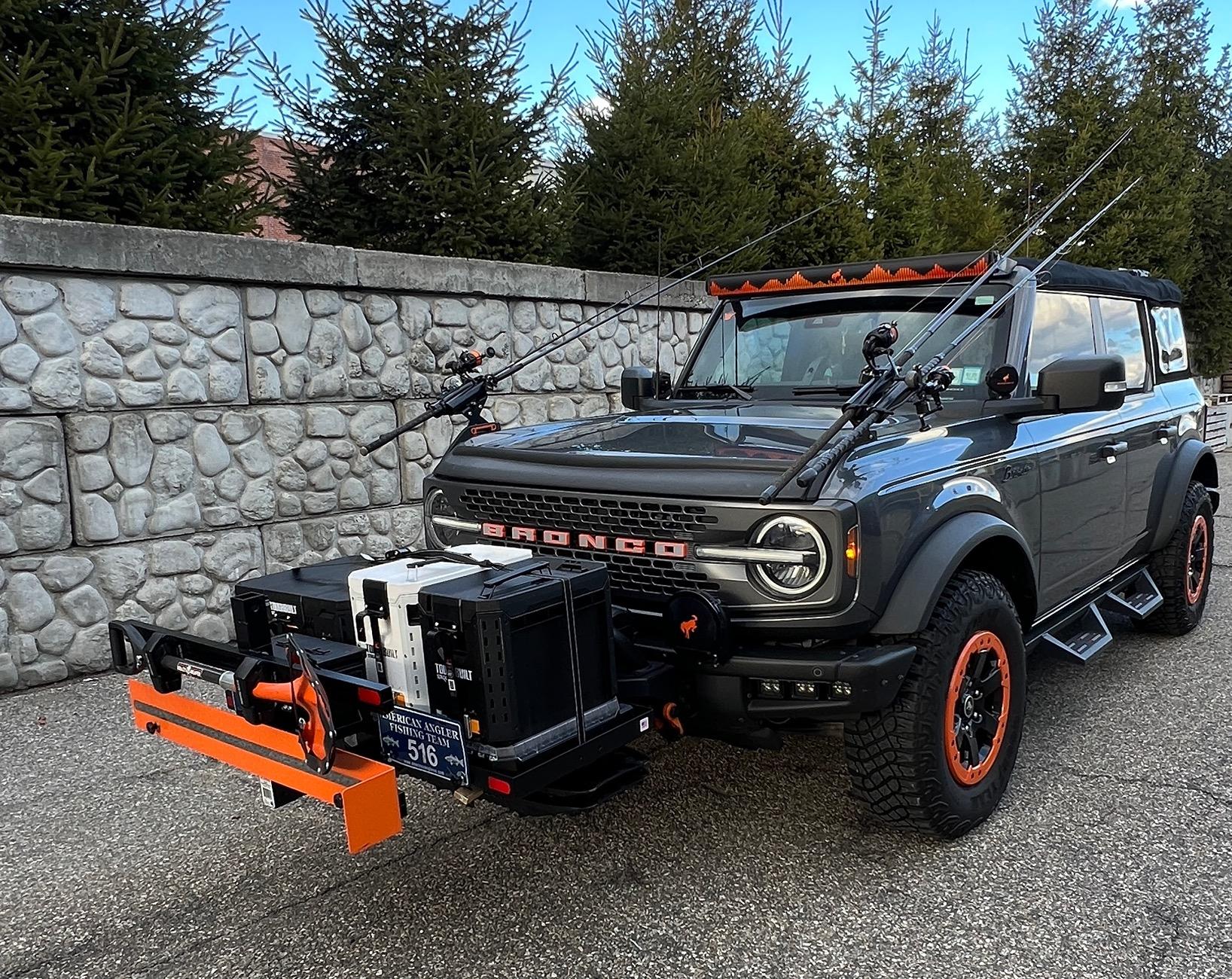
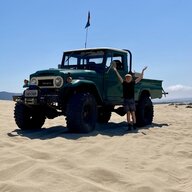
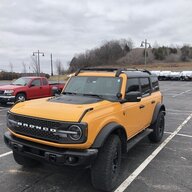
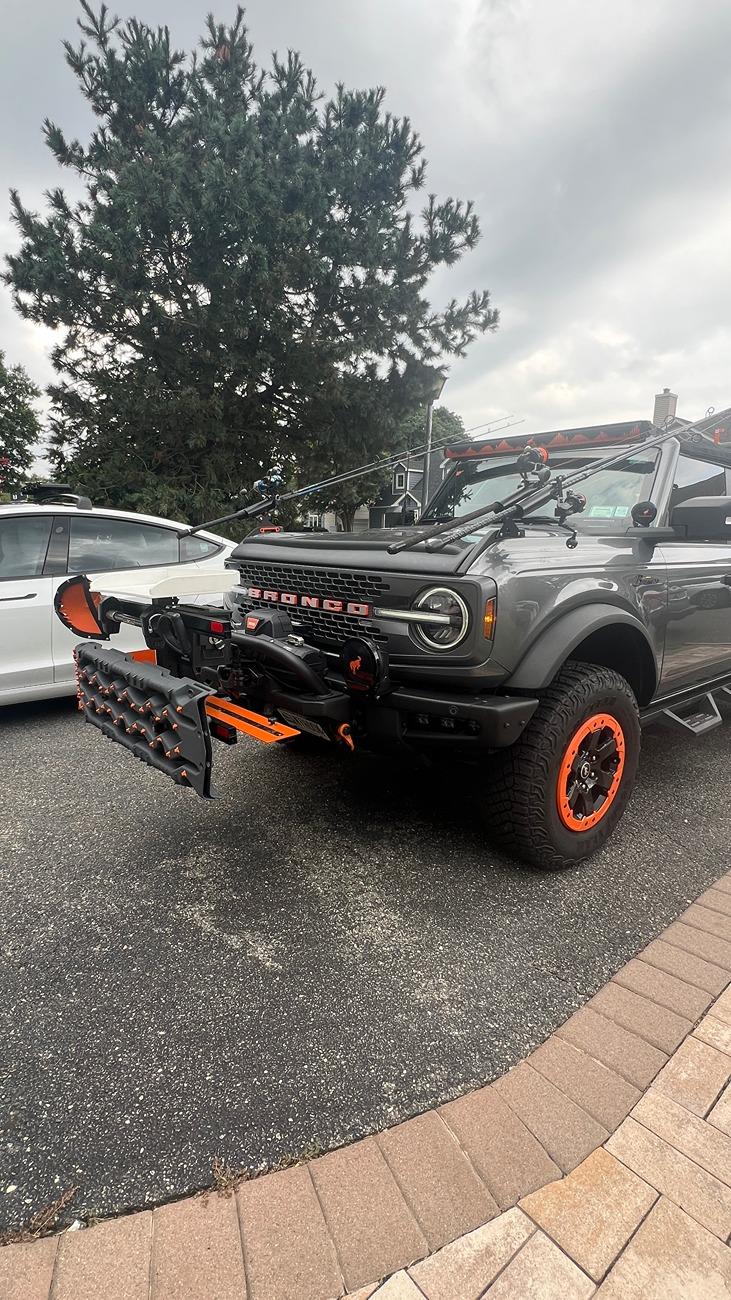
 Not everyone is climbing rocks. Don’t need too much clearance for beaches and I don’t want a pick up truck. I can remove my racks in under 5 minutes and just have my stock Bronco and not driving around in a bigger truck than I need.


