
- First Name
- Paul
- Joined
- Mar 8, 2021
- Threads
- 27
- Messages
- 1,449
- Reaction score
- 4,238
- Location
- Clearwater Beach
- Vehicle(s)
- 1965 Cobra,
- Your Bronco Model
- Badlands
My 21 still has rolling rocks and I have all updates
Sponsored
The last Ford software update in September took away the .25" rolldown of the windows when you unlocked the vehicle with the key fob. I really don't understand what Ford is trying to accomplish with this last update. When I see software updates from other company's, they are improving their product not diminishing the original product that was purchased.Yea apparently Ford decided the original rolling rocks screen was too nice for the Bronco and had to fuck it up.
https://bronco6g.com/forum/threads/...-with-rolling-rocks.96639/page-4#post-2371555

Turn off automatic updatingI think it can still update over cellular...? The same way your app connects to your Bronco


Guilty.... Lol. Got it on my old Badlands from a 2 door Jeep. Left it anonymouslyAh, Excuse Me.... is that a duck on your dash?
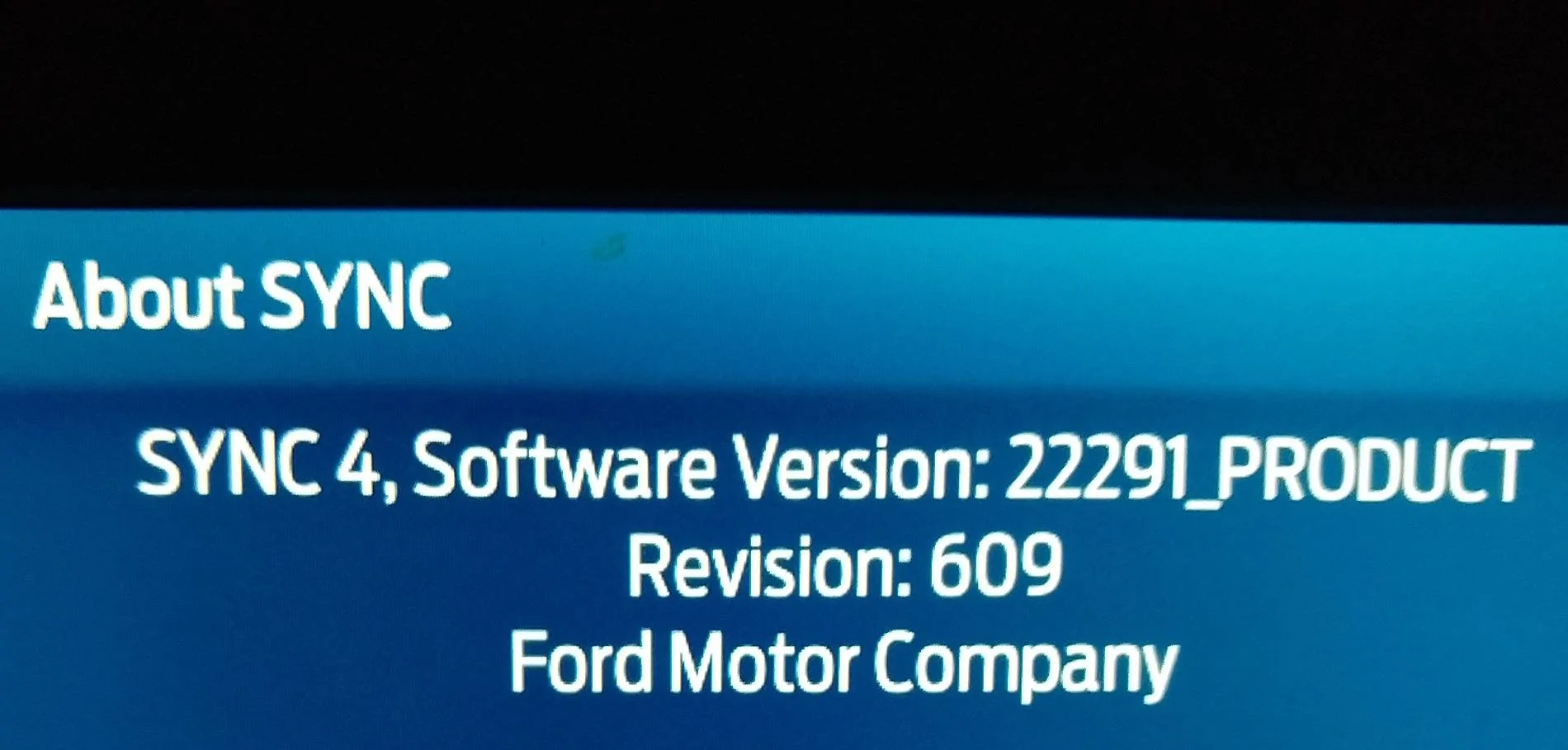
Oh wow you’re way out of date on software. Not missing a ton, I think the main thing is just full screen CarPlay/Android Auto. But obviously won’t hurt anything to be out of dateThanks for the info. The "update details" screen on my Bronco is not accessible because the connected vehicle option is off.
The other "about sync" screen shows as below, which doesn't seem to jive with the version number formats mentioned around here.
Or maybe it's the 22291 number, which would be older than the 24xxx you mentioned.


My 2022 has all updates and still has rolling rocks too!My 21 still has rolling rocks and I have all updates
Same hereMy rolling rocks went away, then a few days later came back.
Tough to beat a super cold rolling rock on a hot day!I refuse to give up my rolling rocks, so just blocked my bronco from my wifi network