
- First Name
- Calvin
- Joined
- Mar 15, 2022
- Threads
- 18
- Messages
- 2,774
- Reaction score
- 3,552
- Location
- Phoenix, AZ
- Vehicle(s)
- 2002 Subaru WRX Wagon, 2023 Badlands (nonSAS)
- Your Bronco Model
- Badlands
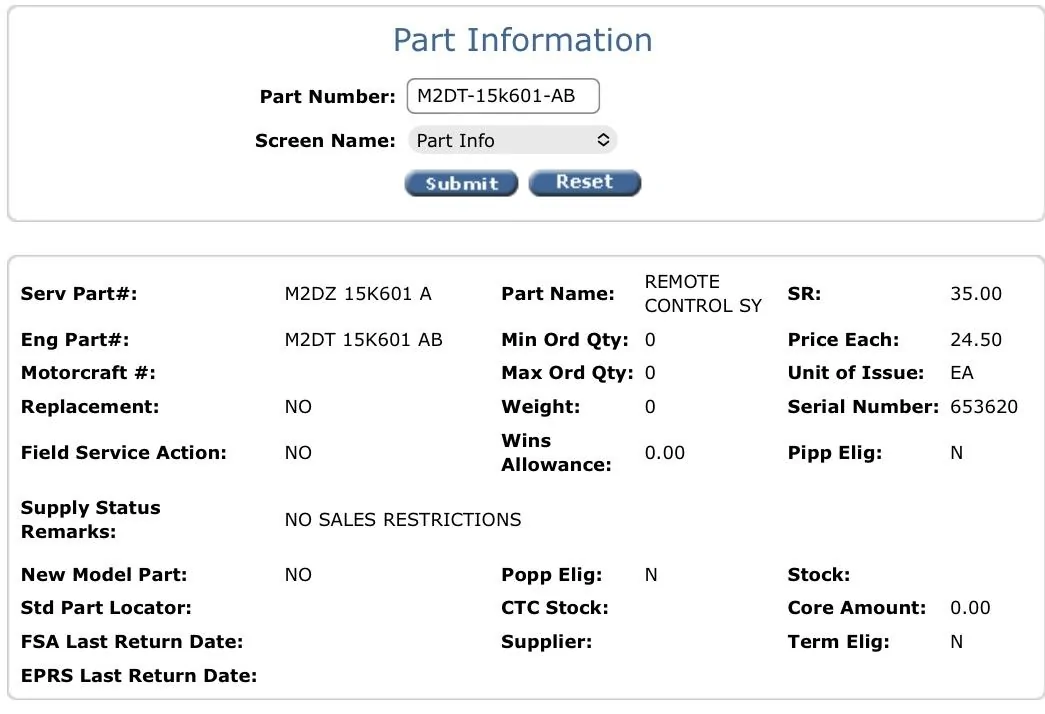
I held down the start/stop button the first few times, but didn't start my Bronco and the programming didn't take. I couldn't lock or unlock the doors. But everything worked fine when I used the new fob to start my Bronco. And that's when I got the confirmation that programming was successful.Thanks for all the info. Just picked up and programmed my extra key fob today on the first try!
I went ahead and held down the start/stop button on the last step (second to last if you count pressing the brake/clutch and starting the car after the programming successful display message pops up) with the un-programmed remote control in the backup slot, which did the trick for me ;-)
I also had 'em face down (buttons down, bronco up) and matching the cutout slot orientation. Just took out the keys before hand so I didn't have to remove any key rings attached. Left the sticker on the new one so it wouldn't get mixed up.
It was in Settings -> Vehicle -> MyKey -> MyKey Information where I found the popup that confirmed Admin Keys:3 and MyKeys:0, fyi.
I agree that buttons up or down probably doesn't make much difference.
Sponsored